Your controls
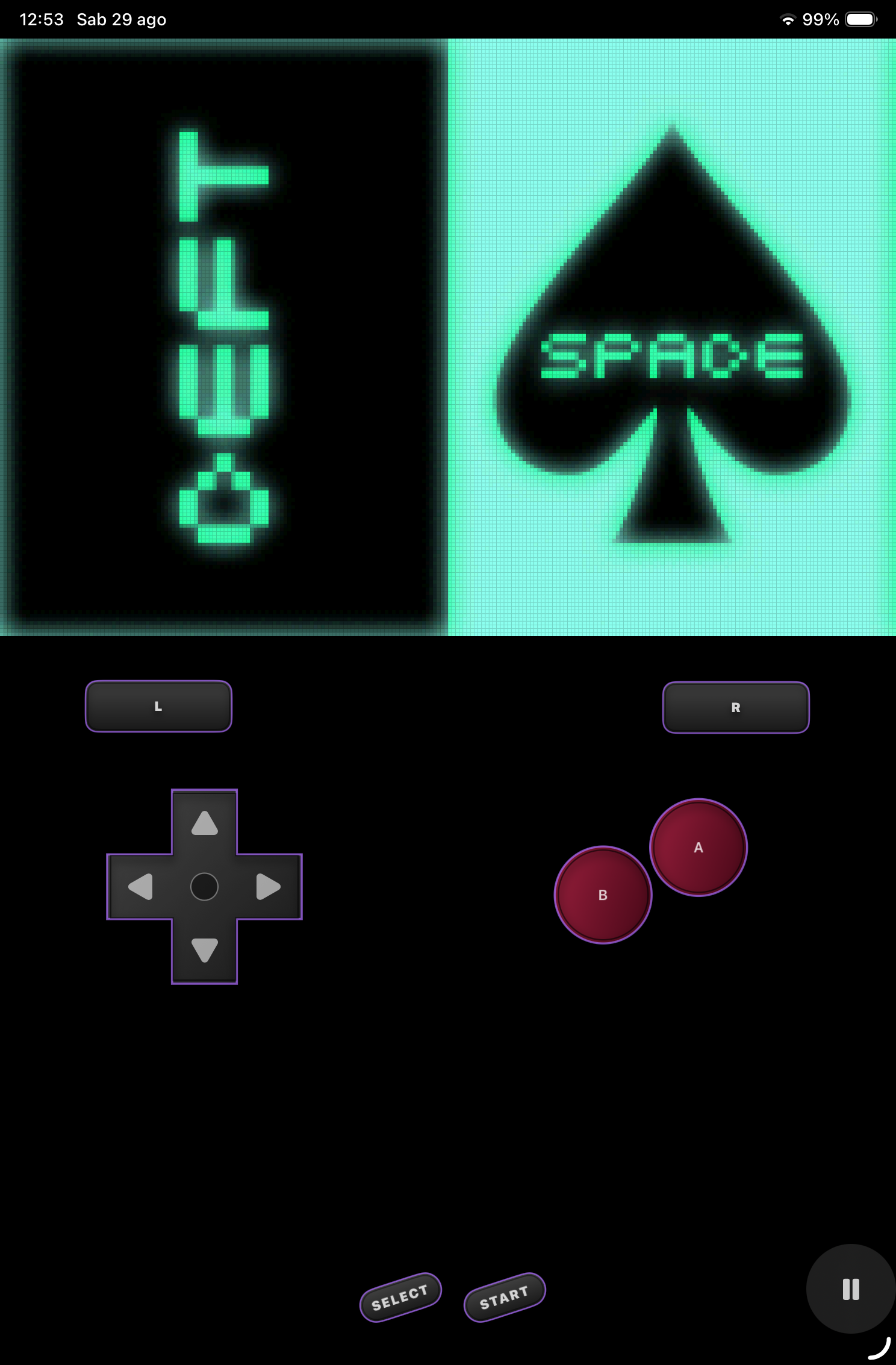
Fully movable touch controls, physical controller support, and layouts tailored to every device.
Pocket Colors
A native experience for rediscovering your GB, GBC, and GBA collection on iPhone and iPad.
Coming to the App Store
Fully movable touch controls, physical controller support, and layouts tailored to every device.
Cartridge saves, save states, Auto Resume, and an organized library for every game.
Pixel Perfect and a small set of thoughtfully selected video filters for Retina displays.
Sync across your devices will be included with Pocket Colors Premium.
Made to feel natural
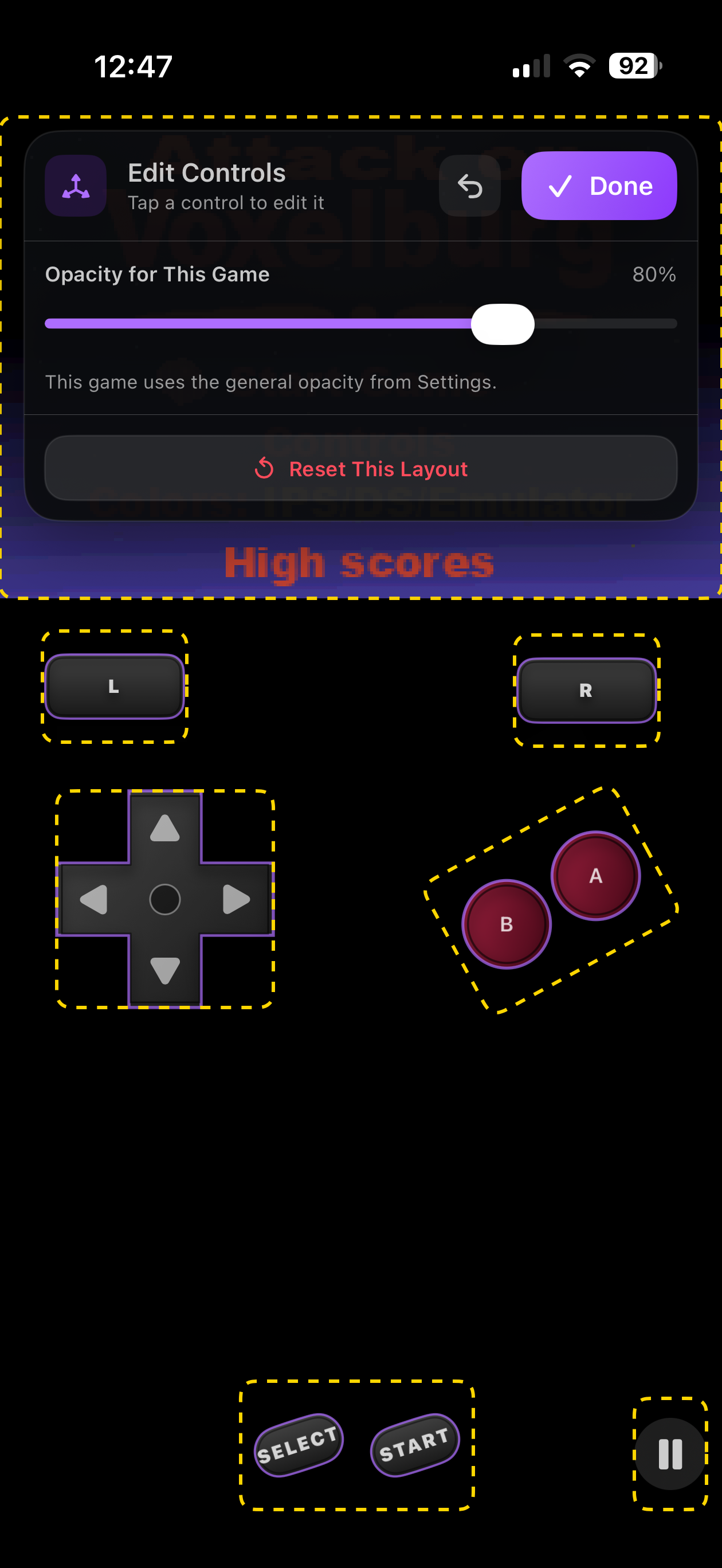
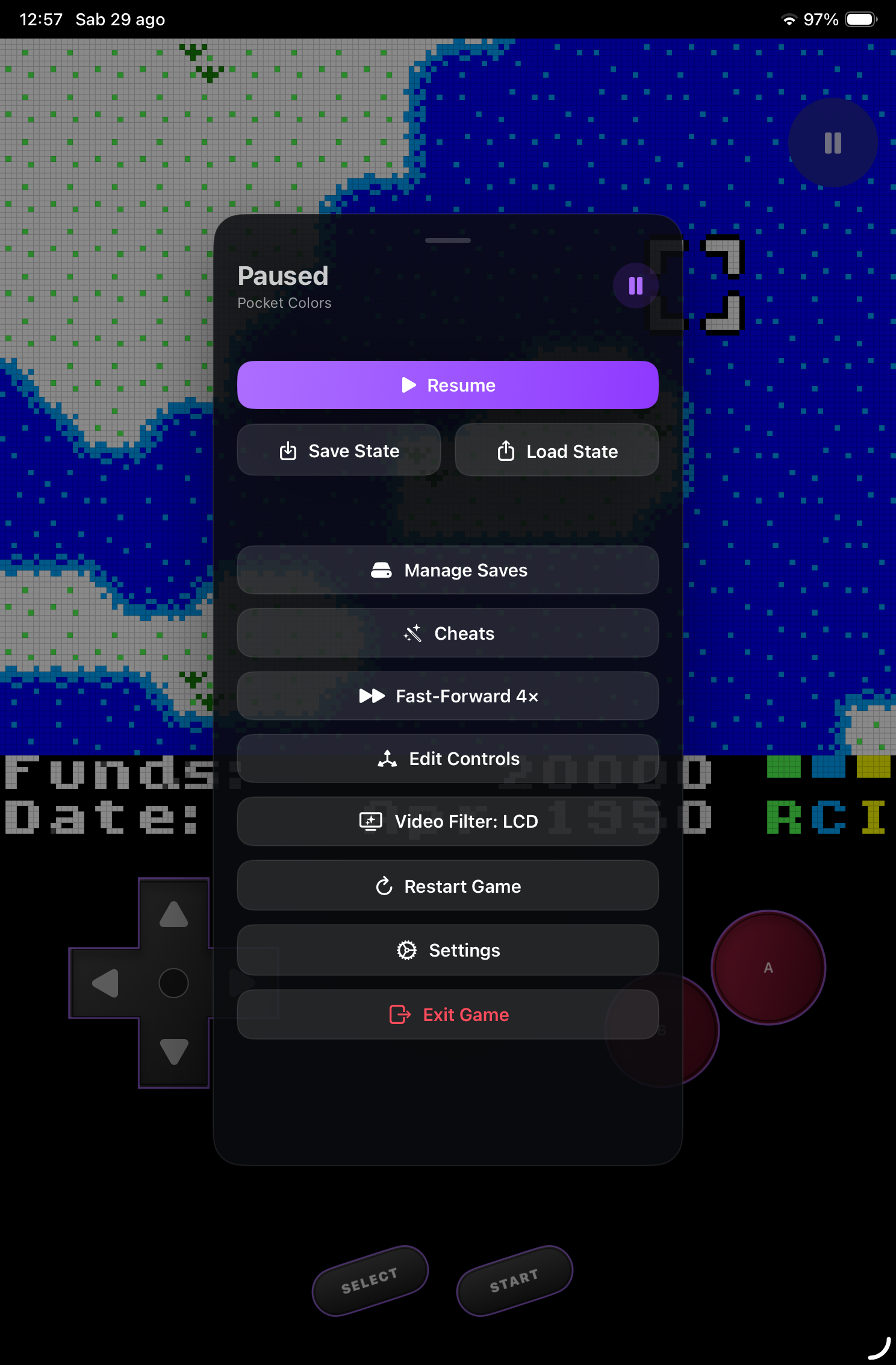
Move, resize, and refine every control while the game stays visible.
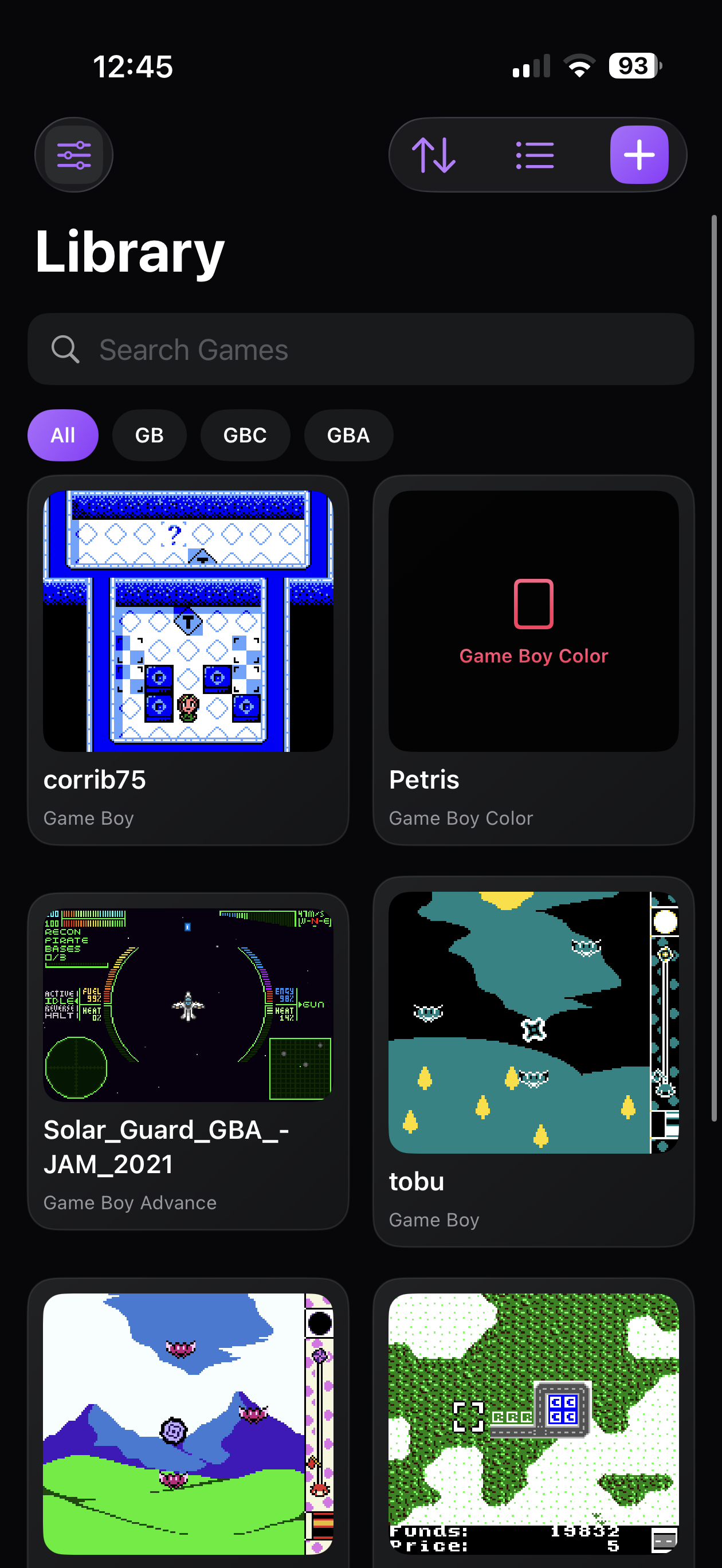
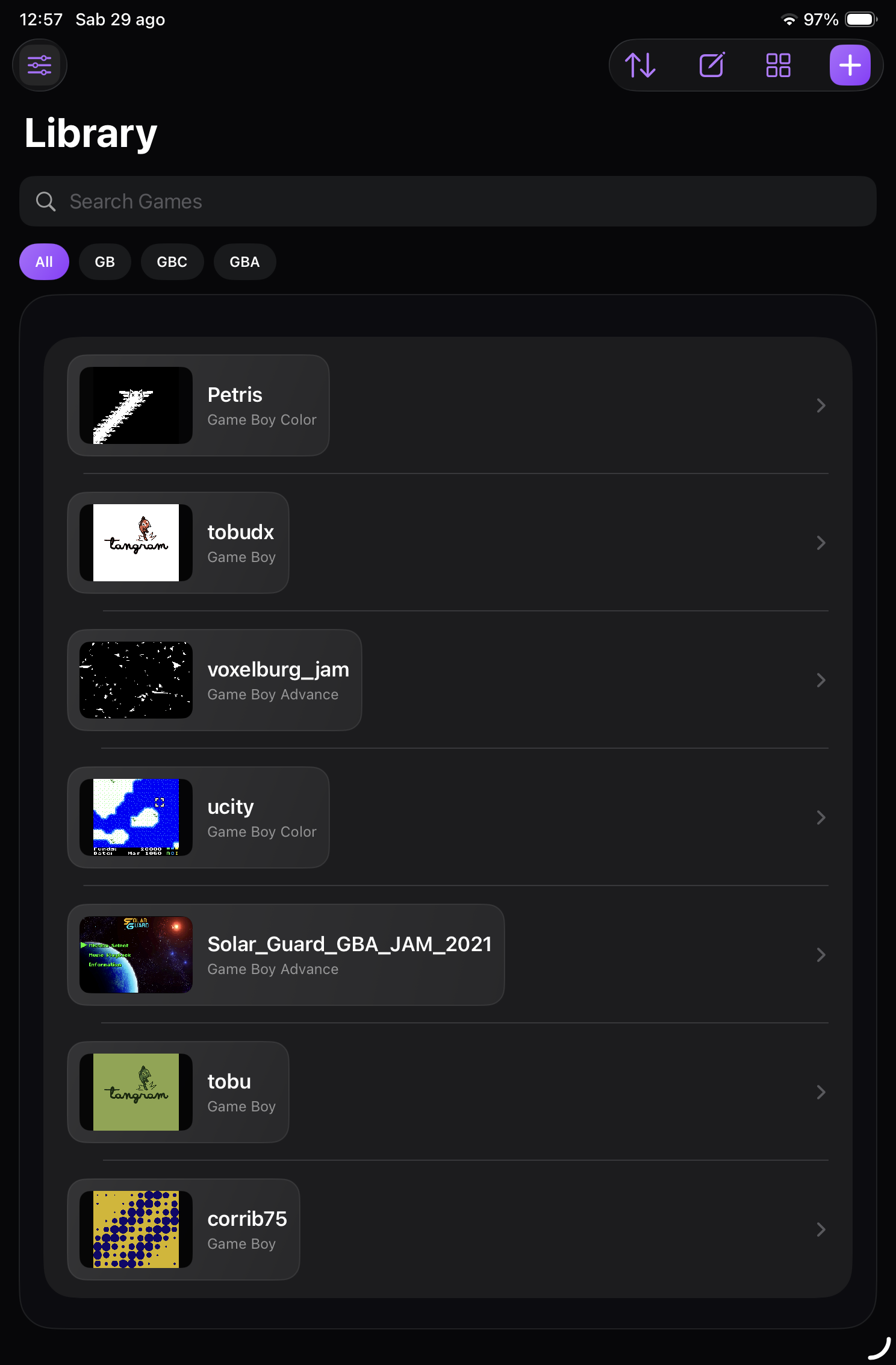
Your library
A compact grid on iPhone, a broader view on iPad, console filters, and previews that update as you play.
Controls made for you
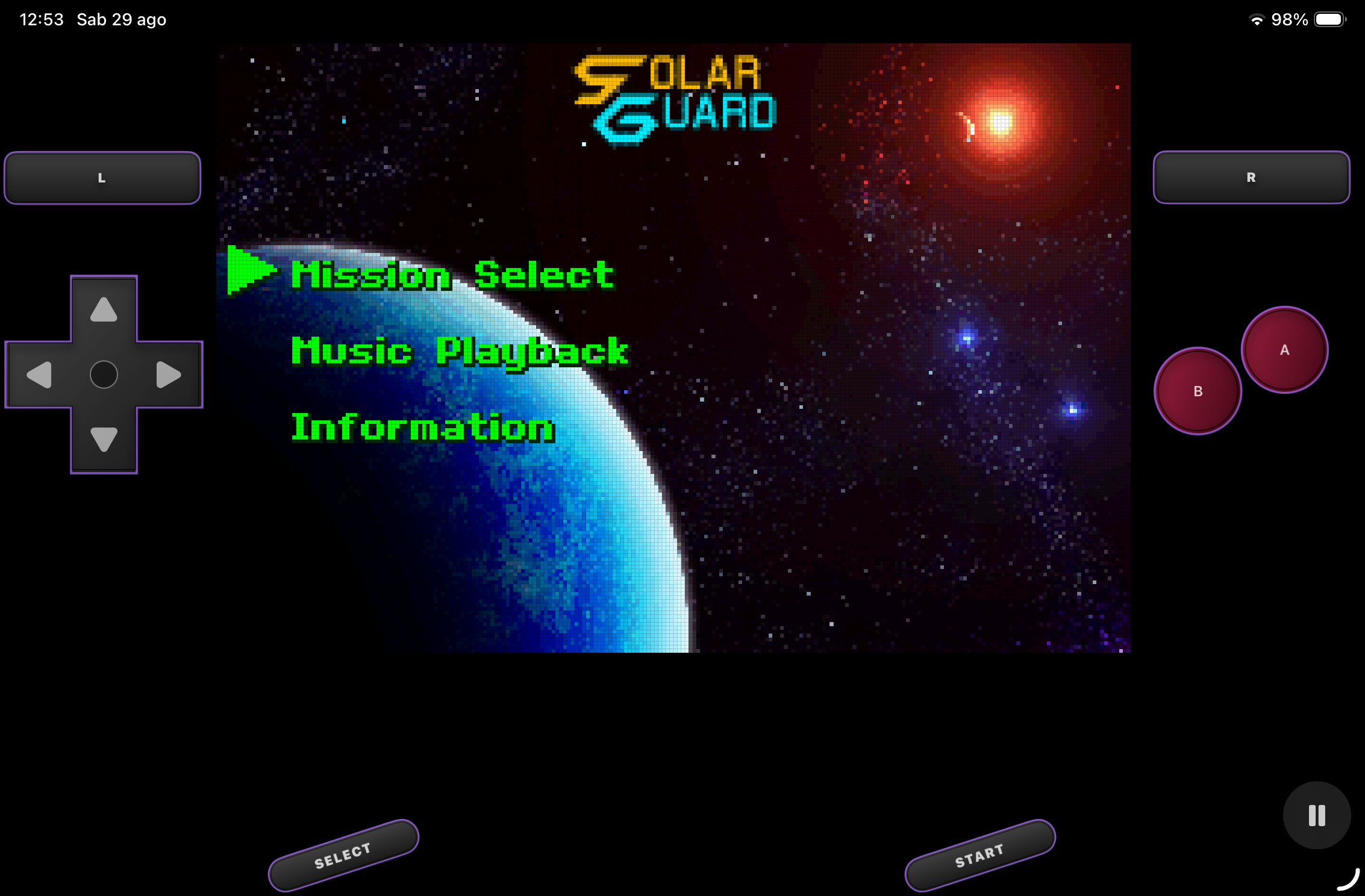
Move, resize, and adjust control opacity. Every orientation keeps its own layout.
Reliable progress
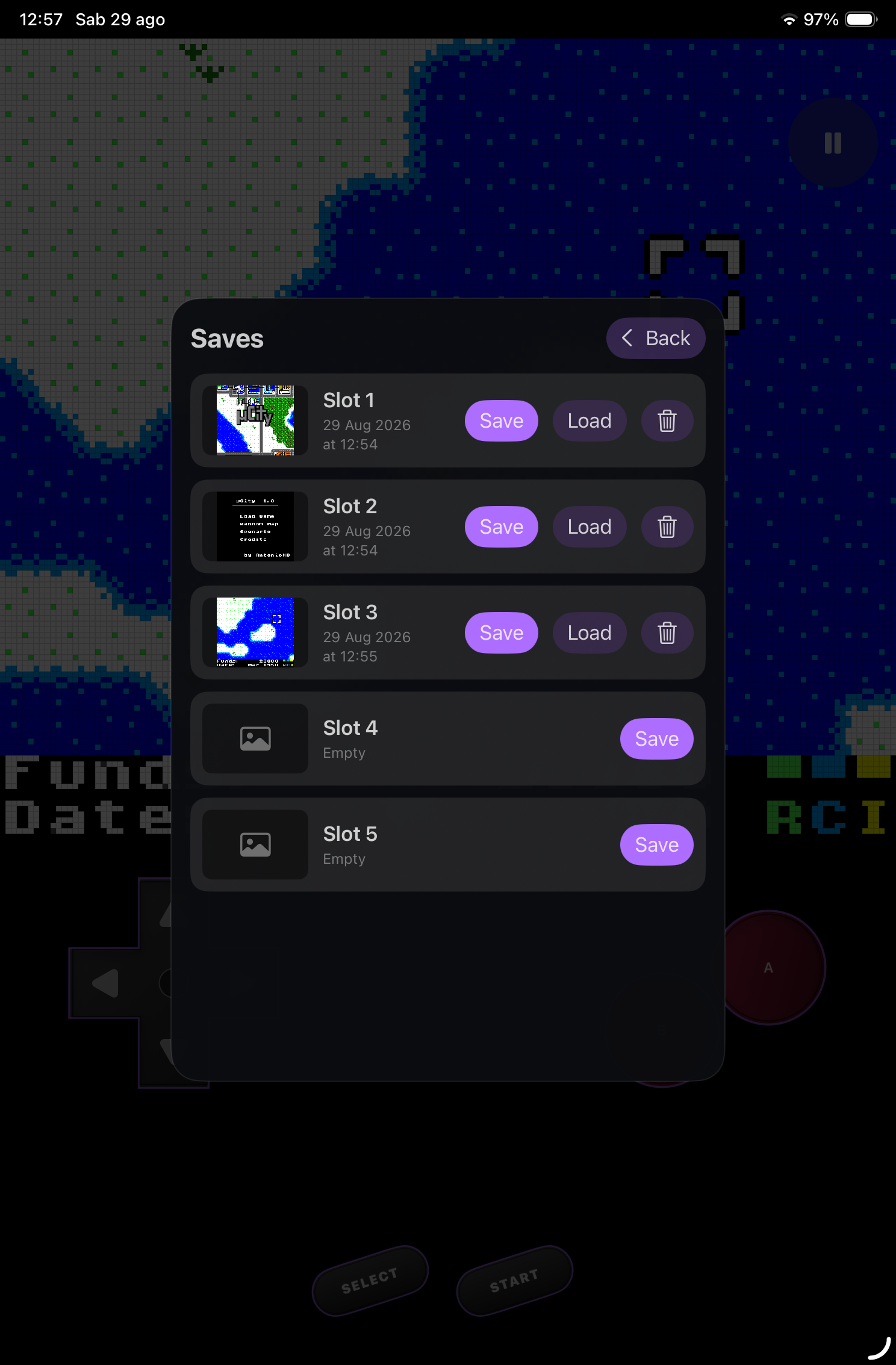
Multiple save states with previews, Auto Resume, and clear save management that stays separate from cartridge saves.
Your way to see the game
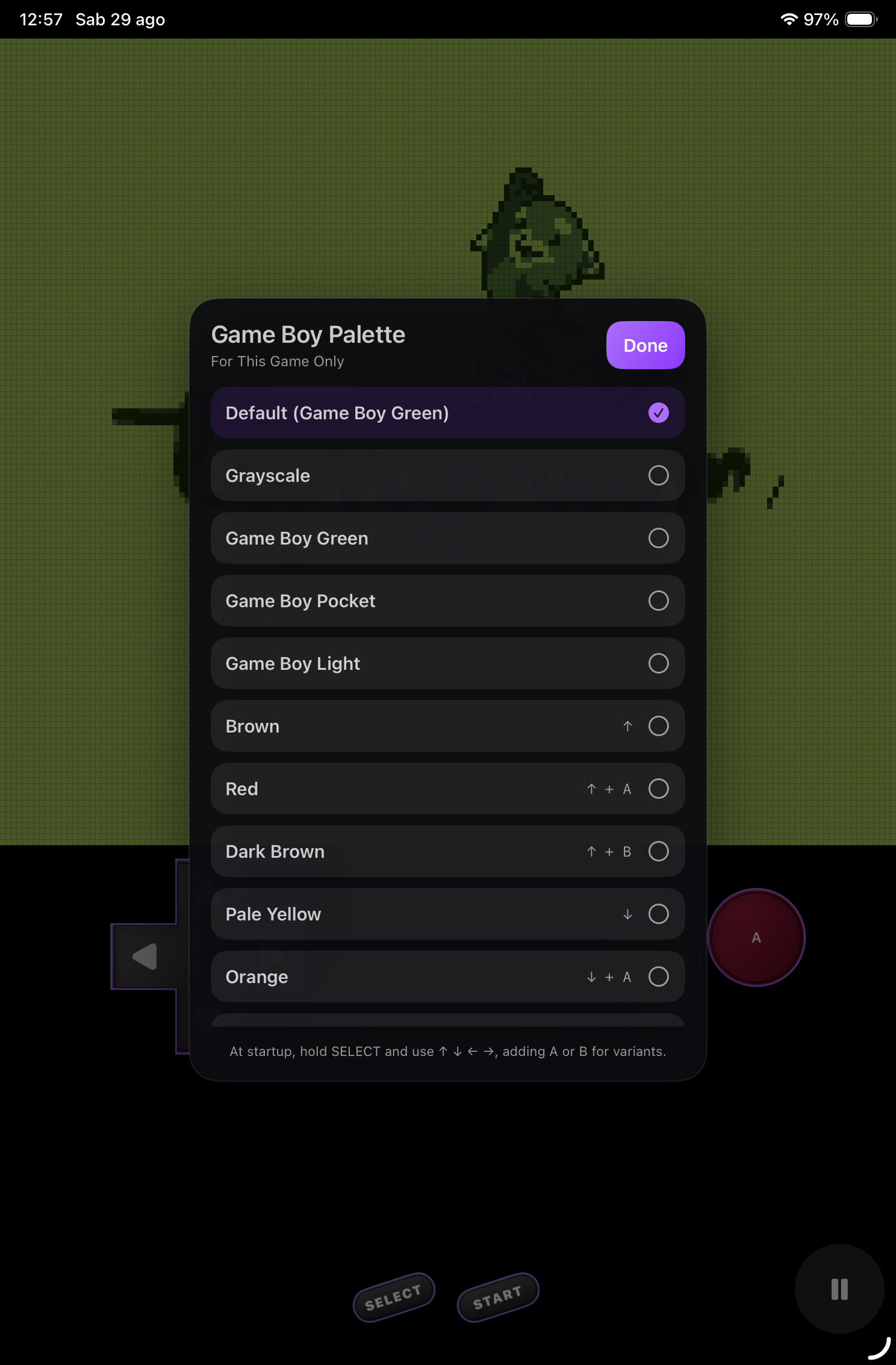
A small set of carefully selected video filters and Game Boy palettes that can be set for each title.
Frequently asked questions
Essential information about the emulator, supported devices, and managing your games.
Pocket Colors is a native emulator for iPhone and iPad designed for playing Game Boy, Game Boy Color, and Game Boy Advance titles with a modern interface and customizable controls.
It supports GB, GBC, and GBA games. Pocket Colors does not include games: users must only import content they own or are authorized to use.
Yes. Touch controls can be moved, resized, and adjusted for opacity, with separate layouts for each device and orientation. Physical controllers are supported too.
The app keeps cartridge saves and save states separate. Auto Resume lets you quickly continue from where you left your previous session.
Yes. Pocket Colors includes selected video filters and per-game Game Boy palettes, letting you choose between crisp pixels and a look inspired by original displays.
Pocket Colors is currently in development and is coming to the App Store for iPhone and iPad. Release information will be updated on this website.
Pocket Colors does not include games. Only import content you own or are authorized to use.